News
How ReadSpeaker and Cirrus Assessment Are Helping Make High-Stakes Assessments More Accessible
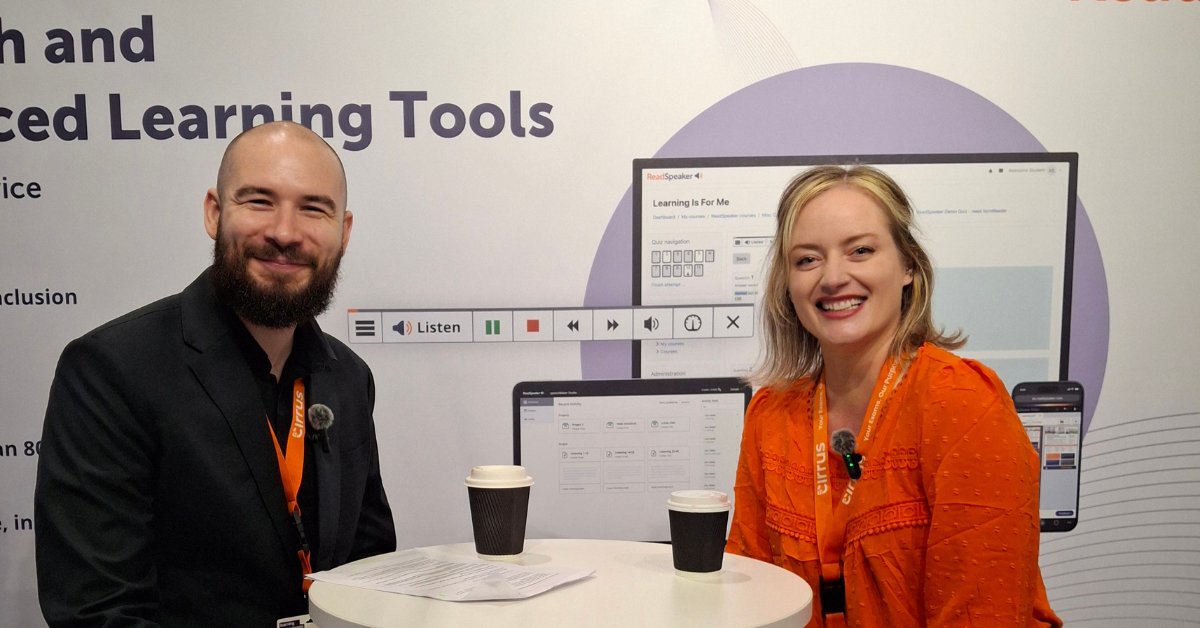
An interview with Cristina Gilbert, Strategic Partnership Manager, Cirrus Assessment.
June 18, 2019
A simplified Listen button and player, a page that scrolls with the reading, a new Text Mode, and translation and dictionary lookups on any selected text.
 Jean-Rémi Larcelet-Prost2 min read
ReadSpeaker is proud to present the latest release of webReader, its automated reading service for websites.
After a close study of what our customers were asking for, we decided to rethink the product around one idea: making it easier to use for everyone who is trying to reach web pages and online content. The new release brings the following updates.
Learn more about ReadSpeaker webReader on the product page.
You only need to add a few lines of code and the content of your website starts speaking. Fill in this contact form to get started with the product.
The truth is that the content of your website is not easy to reach for many of the people who visit it. That includes people with reading and writing difficulties, people with learning difficulties, people with low vision, language learners, the growing number of older readers, people on the move, and anyone simply looking for a simpler way to reach digital content. There is more on the webReader product pages.
Ready to let your website speak? Get started with ReadSpeaker webReader today.
Contact usNews
An interview with Cristina Gilbert, Strategic Partnership Manager, Cirrus Assessment.
News
ReadSpeaker has joined Bitkom, Germany’s leading digital association, to engage with the country’s digital ecosystem on accessibility, enterprise voice technology, and inclusive learning.
News
The partnership will deliver a fully accessible, locally tailored corporate learning experience to organisations across Brazil.