News
How ReadSpeaker and Cirrus Assessment Are Helping Make High-Stakes Assessments More Accessible
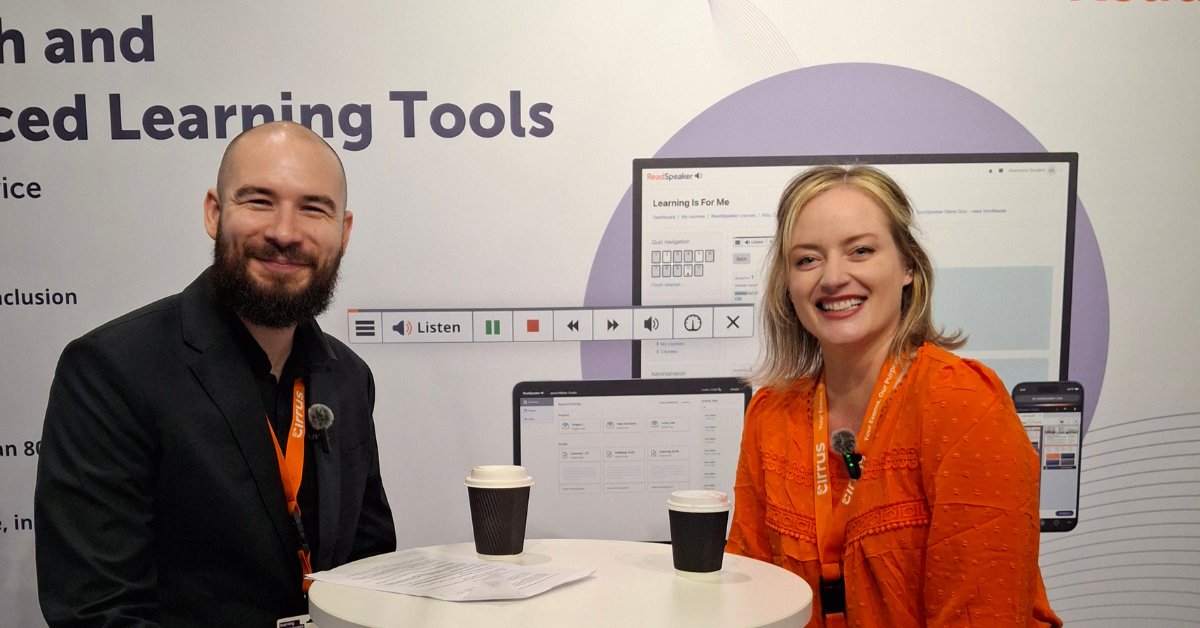
An interview with Cristina Gilbert, Strategic Partnership Manager, Cirrus Assessment.
February 22, 2019
After months of hard work, everyone at ReadSpeaker is proud to introduce the ReadSpeaker webReader:
Previously known as ReadSpeaker Enterprise Highlighting, we chose the name “ReadSpeaker webReader” for our premium product to reflect its actual function well: enabling website content to be spoken, or more accurately, websites to be read aloud using our text-to-speech technology.
ReadSpeaker webReader has all the same great features of ReadSpeaker Enterprise Highlighting, but with improvements.
Here’s a look at some of the features we’re most pleased with:
A Listen button with an expand button that opens a toolbar with many new features.
The toolbar provides web readers with speech, reading and translation tools to help visitors fully understand your online content. It increases the likelihood of people returning to and recommending sites where they have had positive experiences.
The simple view tool provides distraction-free reading. You can view web pages in plain text format.
The Read on the Fly tool helps readers focus on your content, paragraph by paragraph. They can hear a single passage read aloud by simply hovering over it with the mouse.
The translation feature ensures that your content reaches a global audience.
A word lookup tool helps readers learn while reading web pages. They can choose a word on a website and look up its definition in an online dictionary.
Learn more about the ReadSpeaker webReader by visiting the product page here.
You already have ReadSpeaker Enterprise Highlighting on your site: If you have a standard implementation, all you have to do to upgrade to webReader (from Enterprise Highlighting 2.5) is replace the link in the JavaScript with the new link. Please contact your sales representative to get started.
If you do not have our standard implementation version, please contact your ReadSpeaker sales representative for an update.
If you have already added an About page for ReadSpeaker Enterprise Highlighting 2.5 to a site, we strongly recommend that you replace it with the new About page for webReader.
You don’t already have ReadSpeaker on your site:
With just a few lines of code, you can speech-enable your website content. Fill out this contact form to get started.
Why do you need to enable text-to-speech on your site in general? In fact, accessing the text content of a website is not as easy for audiences as one might imagine. These audiences include people with dyslexia, learning disabilities or low vision, language learners, a growing elderly population, and anyone looking for a simple way to access digital content on the go. See more on the webReader product page
Get started with ReadSpeaker webReader here!
News
An interview with Cristina Gilbert, Strategic Partnership Manager, Cirrus Assessment.
News
ReadSpeaker has joined Bitkom, Germany’s leading digital association, to engage with the country’s digital ecosystem on accessibility, enterprise voice technology, and inclusive learning.
News
The partnership will deliver a fully accessible, locally tailored corporate learning experience to organisations across Brazil.