News
How ReadSpeaker and Cirrus Assessment Are Helping Make High-Stakes Assessments More Accessible
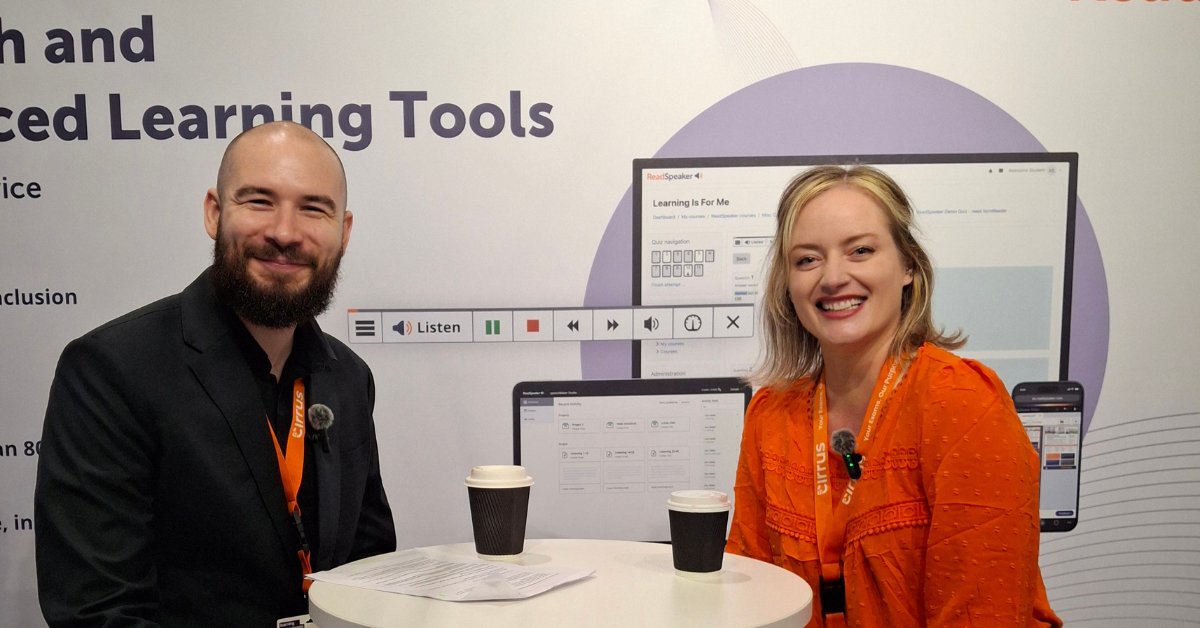
An interview with Cristina Gilbert, Strategic Partnership Manager, Cirrus Assessment.
February 19, 2020
ReadSpeaker is committed to delivering the best text-to-speech experience
The ReadSpeaker team is committed to making the online listening experience the best it can be. We also keep using the latest technology available in this field to make our text-to-speech (TTS) solutions the best in their class. We have made the following improvements and delivered updates to our industry-leading text-to-speech (TTS) solutions: ReadSpeaker webReader, ReadSpeaker docReader and ReadSpeaker TextAid.
ReadSpeaker is a strong advocate of making information on the web accessible. The overall goal of the company is to help our customers meet the Web Content Accessibility Guidelines WCAG2 and to keep striving to provide the best experience for all web users, whoever they are. As the result of our work on many new features, and through our ongoing collaboration with leading accessibility experts, all our solutions now include enhanced accessibility features, which you will notice in the new look and better contrast, and in the highlighting borders shown while the highlighting feature is in use, to help people with color blindness and others.
Our language team also works hard to keep adding new languages and voices, to ensure the widest range of options available to our customers on the market. Looking for a voice that speaks Catalan? Jordi or Empar. Or Latvian? You should listen to Oskars. You can listen to our voices here.
To check the languages available for all our solutions, click here.
We are pleased to announce that ReadSpeaker webReader now includes an option to add formReader. This makes it easy for website owners and managers to add a read-aloud feature to their forms. ReadSpeaker formReader gives visitors interactive spoken help as they fill in the elements and fields of web forms (such as buttons, checkboxes and more), and lets them hear the text they type.
Catalan, Basque, Galician, Taiwanese Chinese, Icelandic and Latvian.
Educational institutions that use webReader will notice not only the new look and feel, but also that the style of ReadSpeaker webReader can now be changed flexibly within the learning management system, so institutions can use the listen button to meet the needs of their students in the best possible way.
A translation feature is now available in ReadSpeaker docReader. This exciting new development means that users can get the text translated into a selection of supported languages (check [here] to see those languages).
ReadSpeaker TextAid includes some really great new features for users and administrators alike:
The ReadSpeaker team hopes that our customers and the users of our tools enjoy these new features and improvements. Feel free to send us your feedback and tell us what you think!
News
An interview with Cristina Gilbert, Strategic Partnership Manager, Cirrus Assessment.
News
ReadSpeaker has joined Bitkom, Germany’s leading digital association, to engage with the country’s digital ecosystem on accessibility, enterprise voice technology, and inclusive learning.
News
The partnership will deliver a fully accessible, locally tailored corporate learning experience to organisations across Brazil.